 Keet Support
Voice calls 📞
You can make both group and direct calls in Keet — it’s fast, secure, and fully peer-to-peer.
How do I call someone on Keet?
To start a direct call, you need to have a DM with a peer, and then you can just tap the call button on their profile.
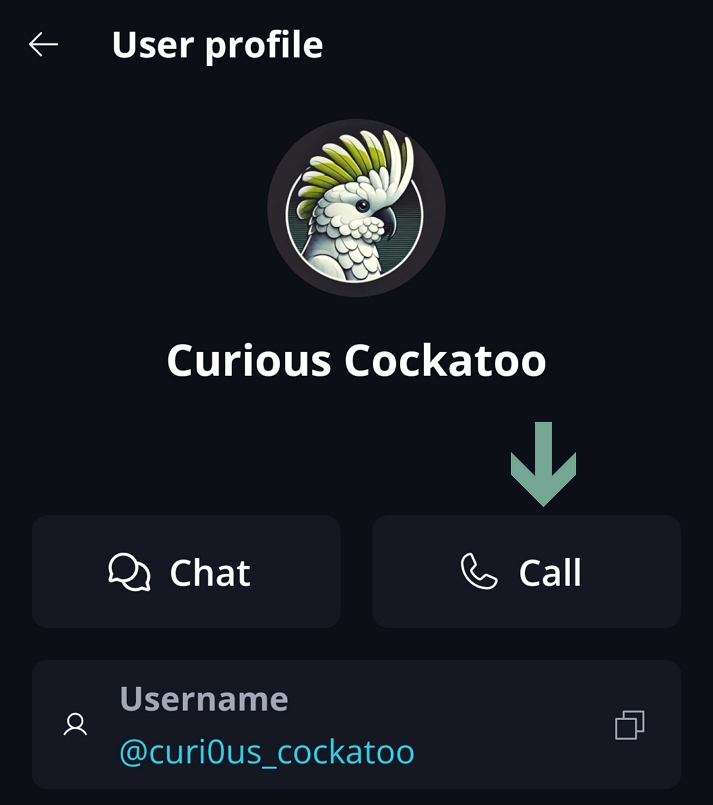
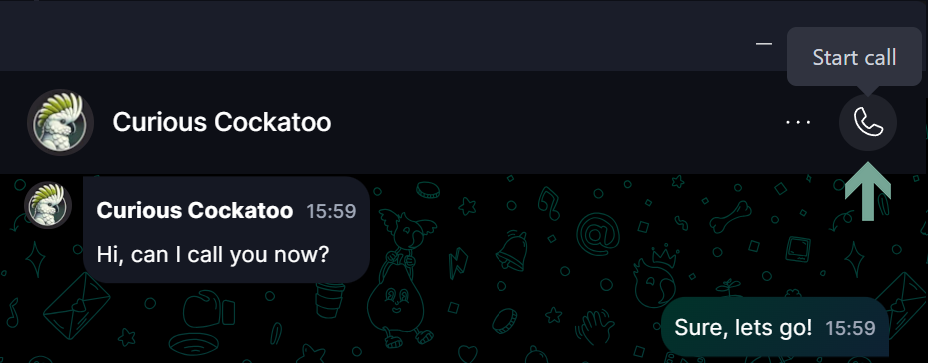
Alternatively, you can start a call in the group - either DM or a regular group if calls are enabled - by clicking the ‘Start Call 📞’ button at the top right corner.
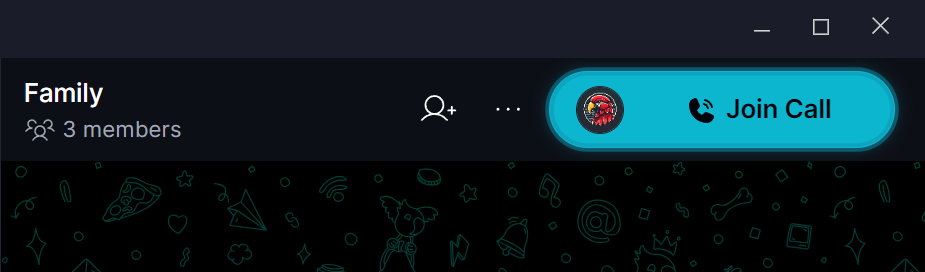
You can also join an ongoing call that was started by other peers:
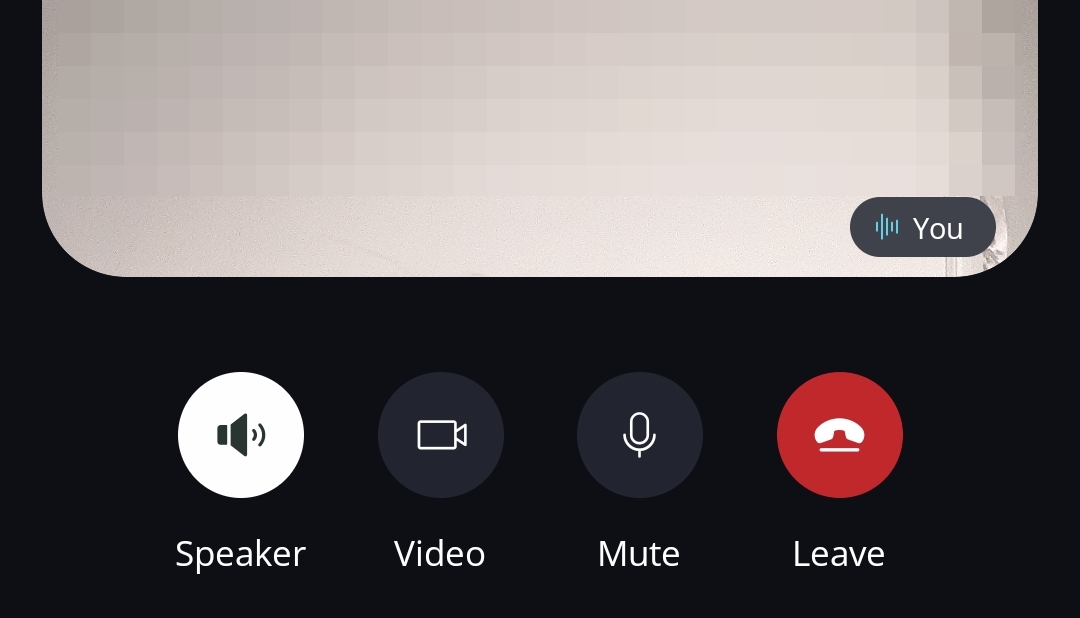
Use the in-call controls to manage screen sharing, microphone, and camera settings:
Make sure you allow access to the microphone in your device settings 🎙️
If you are experiencing call issues, check out this article or submit the bug report to Bug Bandits.