 Keet Support
Video issues
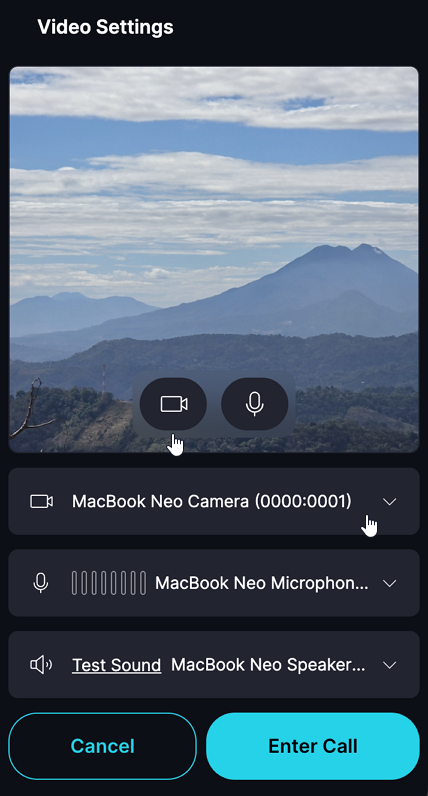
* Check that the camera is selected and enabled during a call:
I can't use the camera on Keet
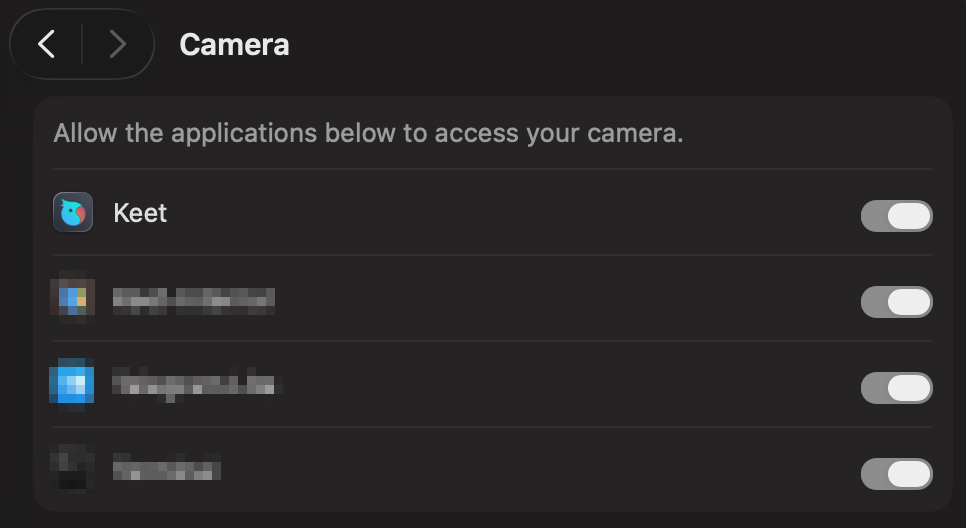
- Verify that you have granted Keet the necessary camera permissions.
- Desktop: 'Settings' / 'Privacy & Security' / 'Camera' / 'Keet'
- Mobile: 'Settings' / 'Apps' / 'Keet' / 'Permissions'
- Test the camera in other apps to ensure it's functioning properly.
Video quality is low
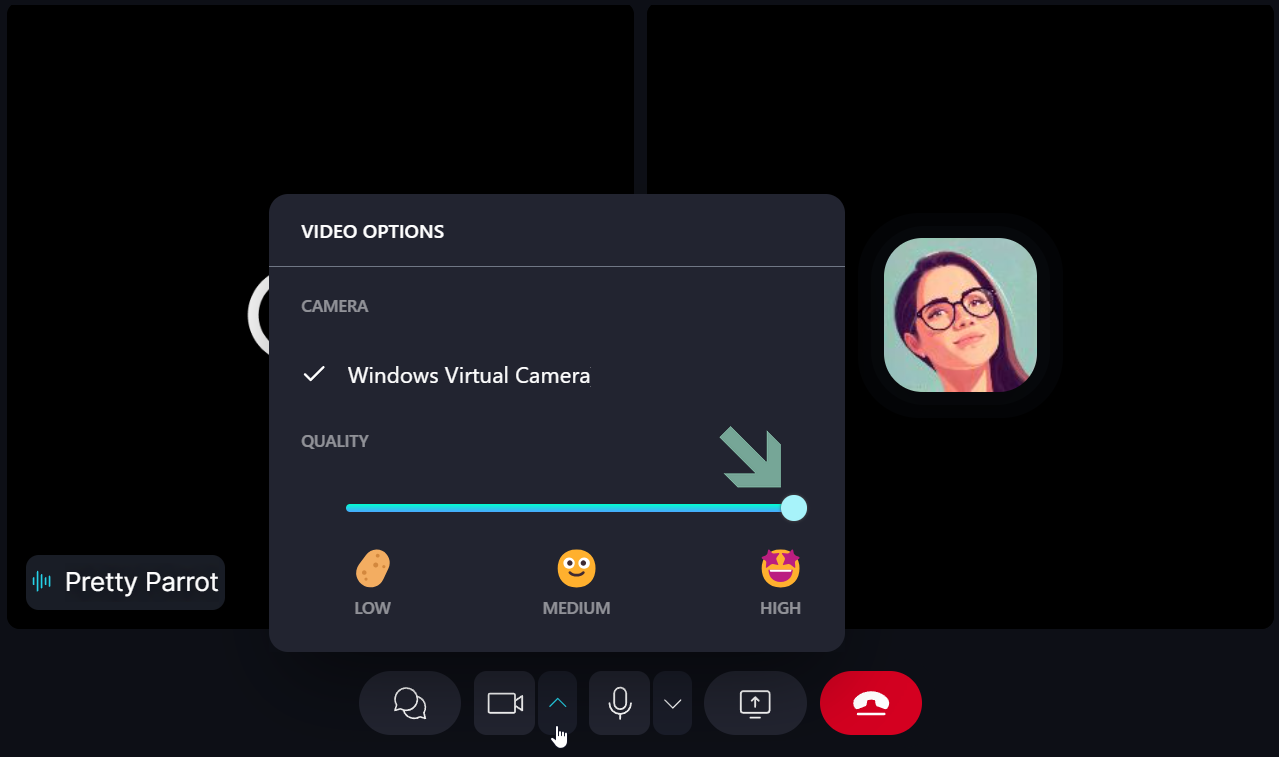
- Adjust video quality settings during the call on Desktop. Click on the dropdown button next to the camera icon to change video quality.
- Ensure that you and your contact have a stable internet connection.
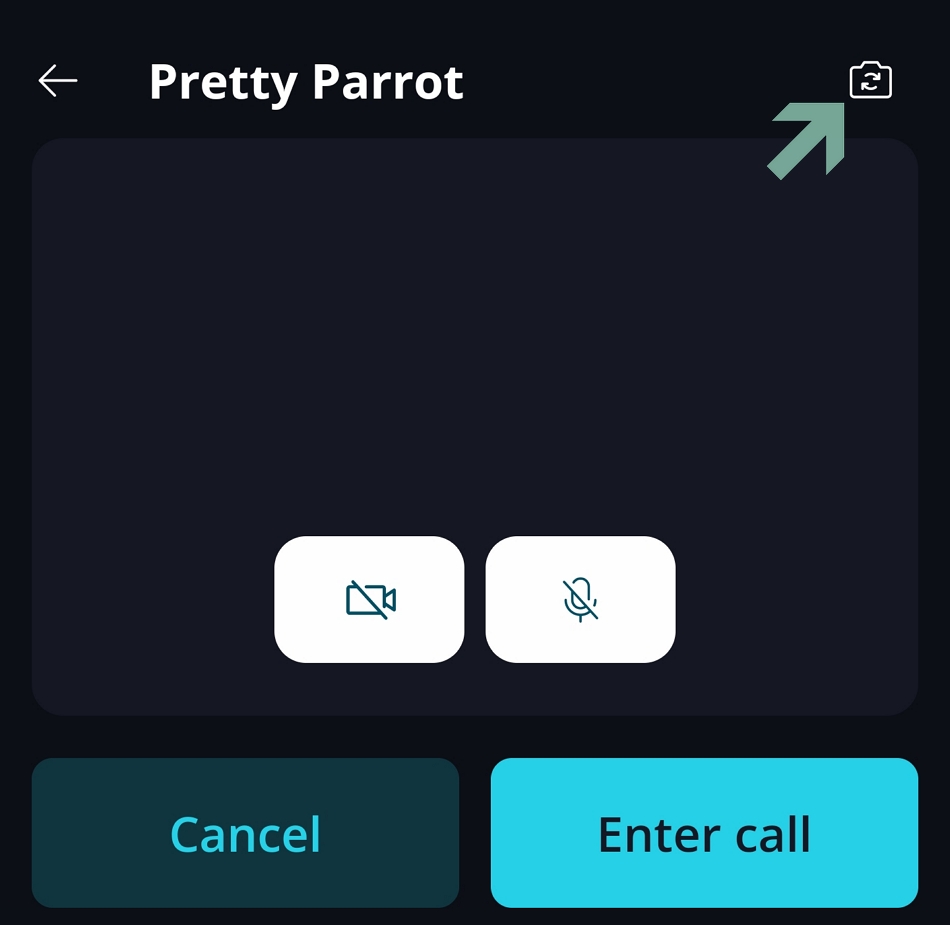
I want to use my rear camera during a call
To switch cameras when calling from your mobile device, tap 'Flip camera' [��] icon
If you are experiencing further issues, please submit a bug report to the 'Bug Bandits' group and our team will look into it.