 Keet Support
Joining Groups 🛋️
There are plenty of ways to become a member of a chat group. You can create one, be invited to a group, or discover from a variety of existing groups.
How do I join a group?
Joining with an Invite link
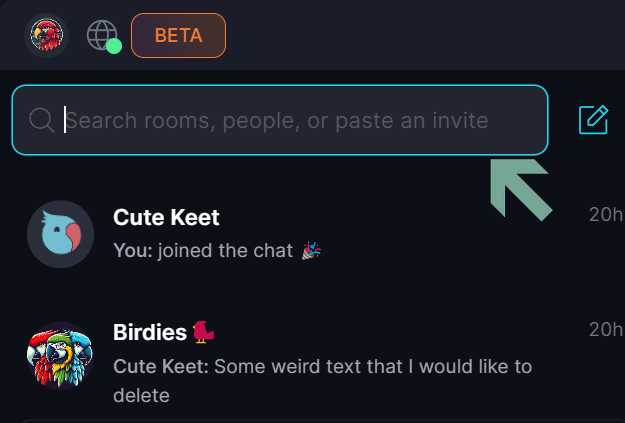
When you receive an invite link from a peer (keet://...) , just click it or copy & paste it into the search bar:
Join with a QR Code
You can use your camera to scan a QR code or upload it as a file. Here's how:
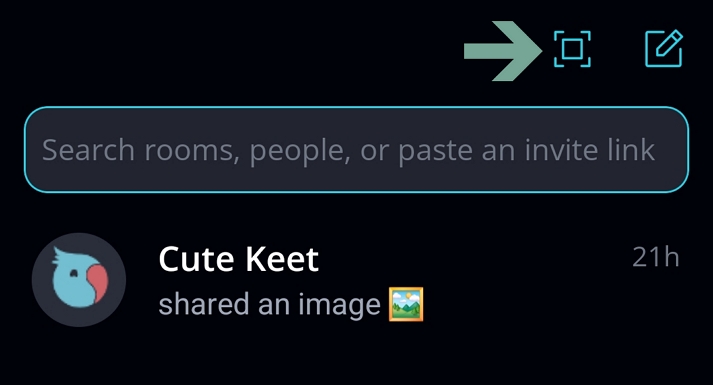
On your mobile device, tap the ‘[🏁]’ button on the top right of the screen, allow access to your camera and scan a QR code.
You can also upload the QR code if you cannot access or don't have a camera on your mobile device.
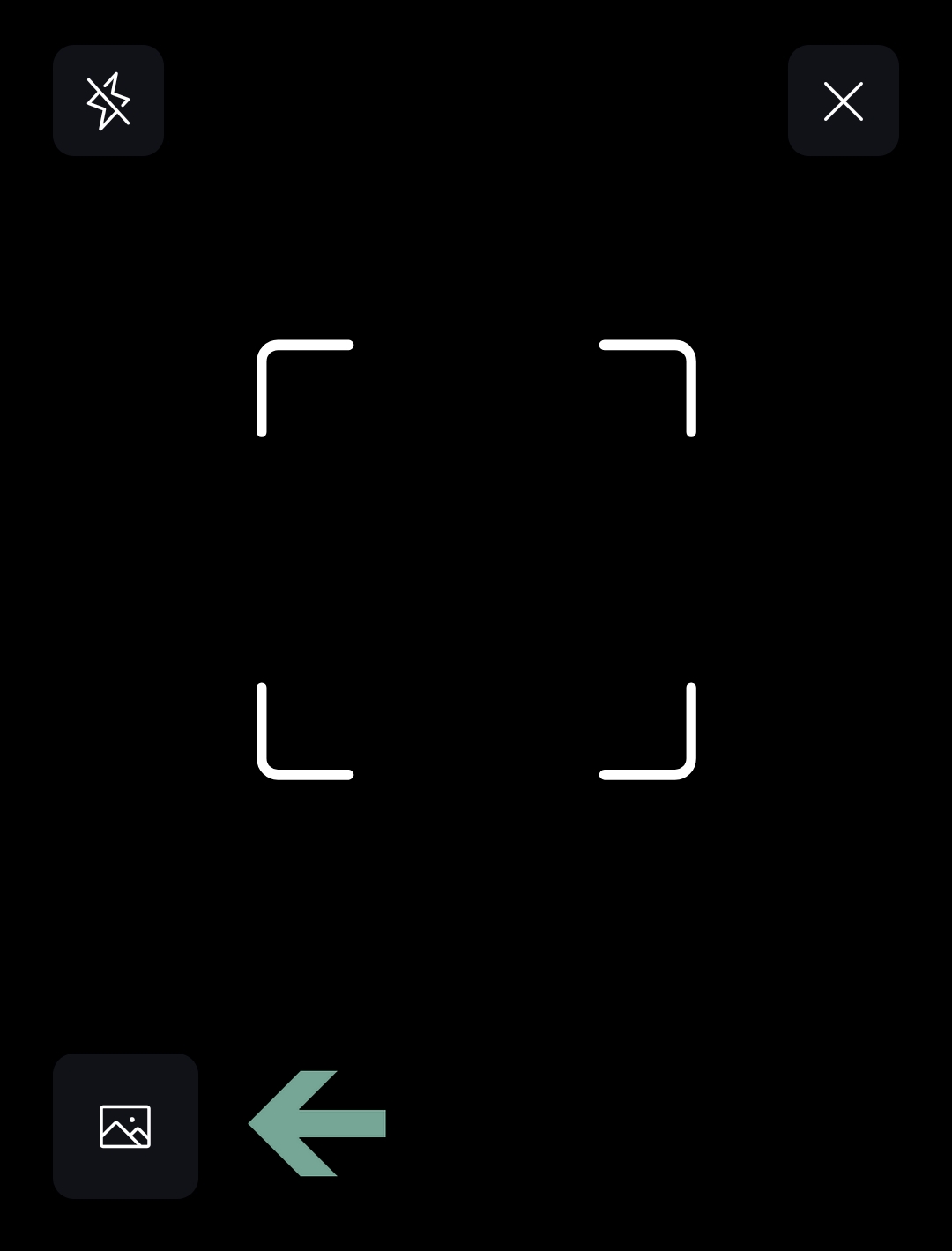
In Keet, tap the ‘[🏁]’ button on top of the screen, and tap the '[📸]' button in the bottom left. Allow access to media files and upload a QR code.
Where do I search for groups to join?
At the moment, groups in Keet can only be joined via an invite link or QR code — they aren’t searchable or publicly listed. You can access groups through invitations from other peers or by following shared links to public communities.
How to join public groups?
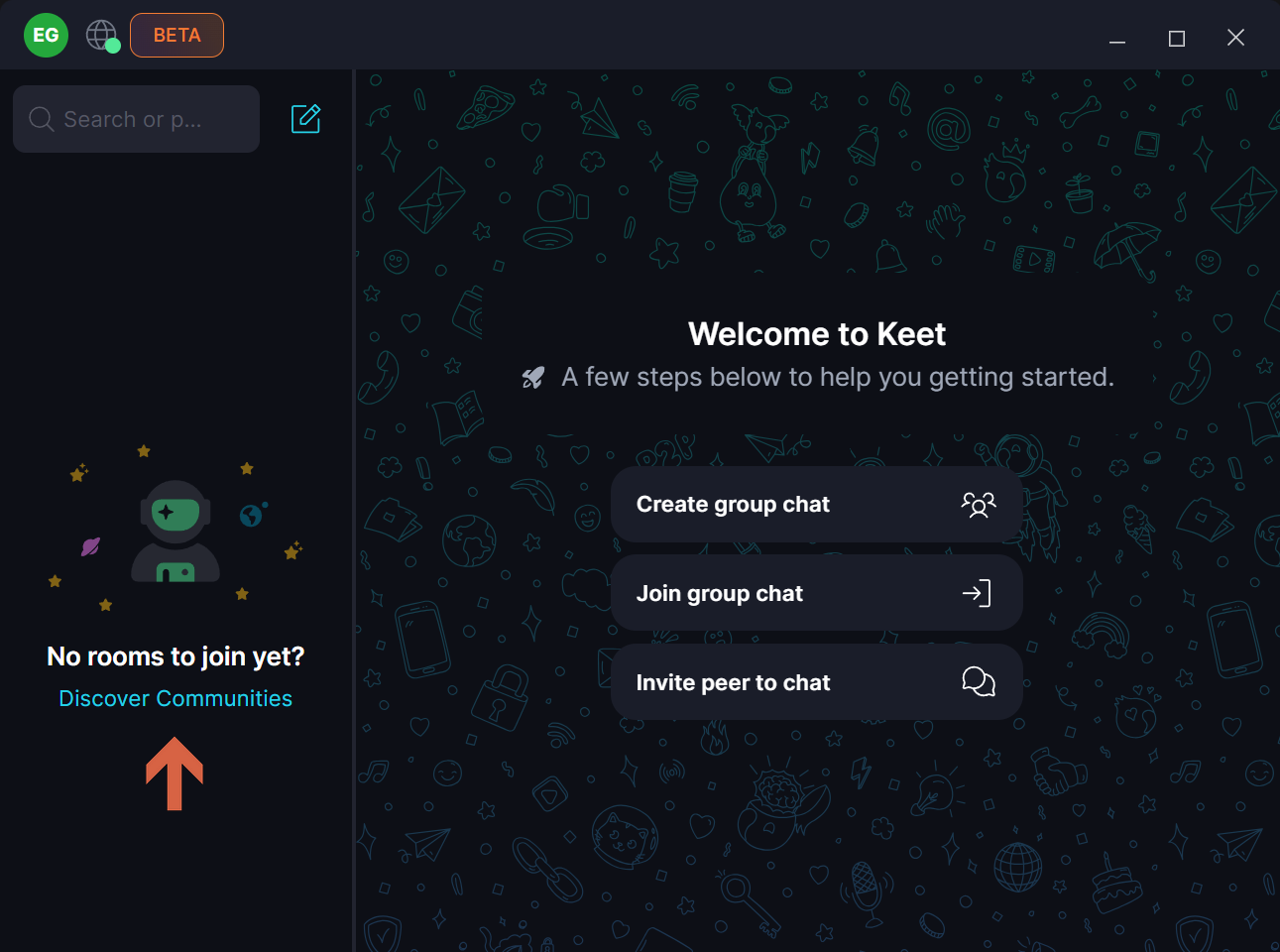
If you just created the profile, you can click 'Discover Communities' to enter the public group:
Select the groups that may be of interest to you and click 'Join':
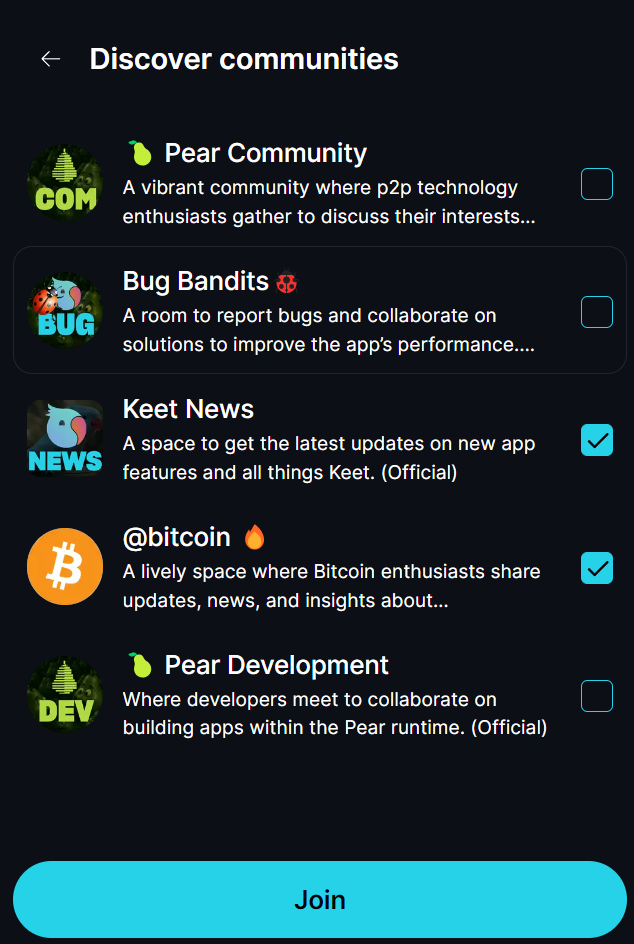
You can also find these and other groups by the link Groups to Join 🧩.
🔎 Feel free to explore different groups and engage with the community.