 Keet Support
Installation
Keet can be installed on a variety of devices, including desktops, mobiles and tablets.
The app is available on Windows, macOS, Linux, Android, iOS, and GrapheneOS, so you can use it on almost any device you have.
Desktop Installation
- Download the Windows installer from https://keet.io/download/ :
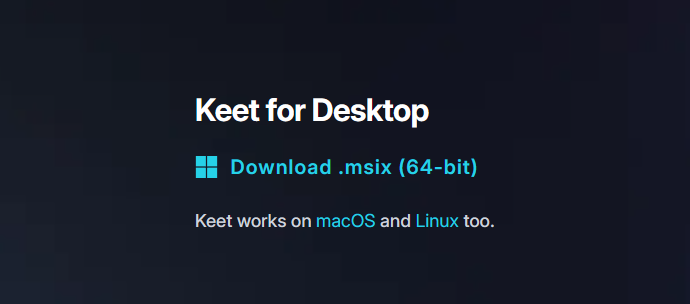
- Launch the Keet.msix installer and follow the on-screen instructions.
- Allow pear-runtime access to public and private networks on your PC during the installation.
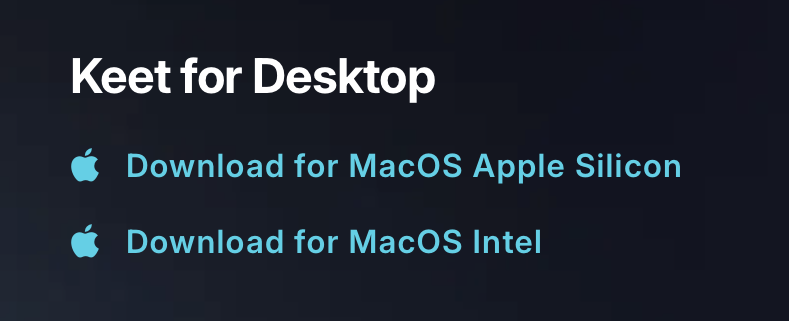
- Download Keet for macOS from https://keet.io/download/
- Open the downloaded Keet.dmg file.
- Drag the app to the Applications folder and launch it.
- Download Keet for Linux from https://keet.io/download/
- Extract the Keet.tar.gz file and run the AppImage to start the application.
- You can directly download Keet from Snap Store on Linux Ubuntu.
For all Linux systems, you may need to install additional libraries like libgtk-4 or libnss3.
Running AppImage packages also requires libfuse to be installed.
Mobile installation
Install Keet from the Google Play Store or visit https://keet.io/download/ and click on 'Get it on Google Play'.
Alternatively, you can find the latest APK on our GitHub.
Install Keet from the App Store or visit https://keet.io/download/ and click on 'Download on the App Store'.

Platform support
| Platform | Version | Architecture |
|---|---|---|
| Android | 10+ | arm arm64 |
| iOS | 16.6+ | arm64 x64 (simulator) |
| macOS | 12.0+ | arm64 x64 |
| Windows | Windows 10+ | x64 |
| Windows | Windows 11+ | arm64 |
| Linux | Linux 5.15+, GNU C Library 2.3+ | arm64 x64 |
| Linux | Linux 5.10+, musl 1.2+ | arm64 x64 mips mipsel |
Not sure which architecture your device has? 🔎
Just look up your device model online or check your system info, then match it to the table above.
If you’re having issues with installation, opening the Keet app, or joining the room, please email us at support@holepunch.to