 Keet Support
Personal Group 📂
Yes. You can create a room with your saved messages and favourites, where you’re the only participant — great for keeping personal notes and sharing files acros…
Can I create a group to save personal notes and files?
Yes. You can create a room with your saved messages and favourites, where you’re the only participant — great for keeping personal notes and sharing files across your devices.
Create a group
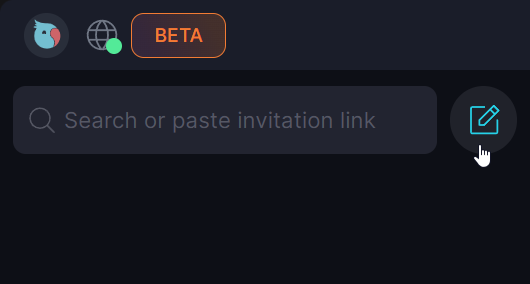
Click 'Start chat' [��] button on the top of the screen
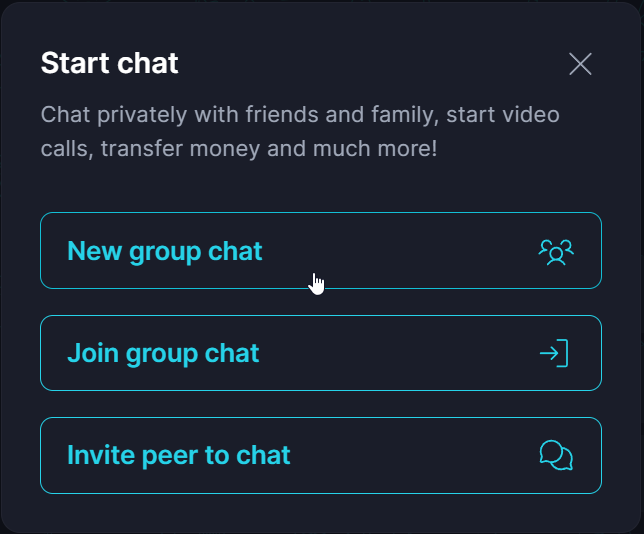
In the pop-up, select 'New group chat'
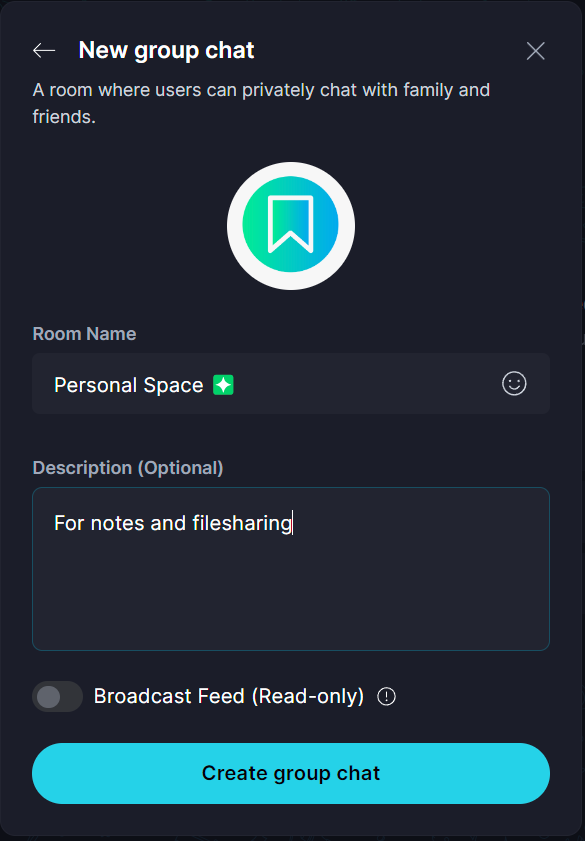
Add details for your new chat
Explore possibilities
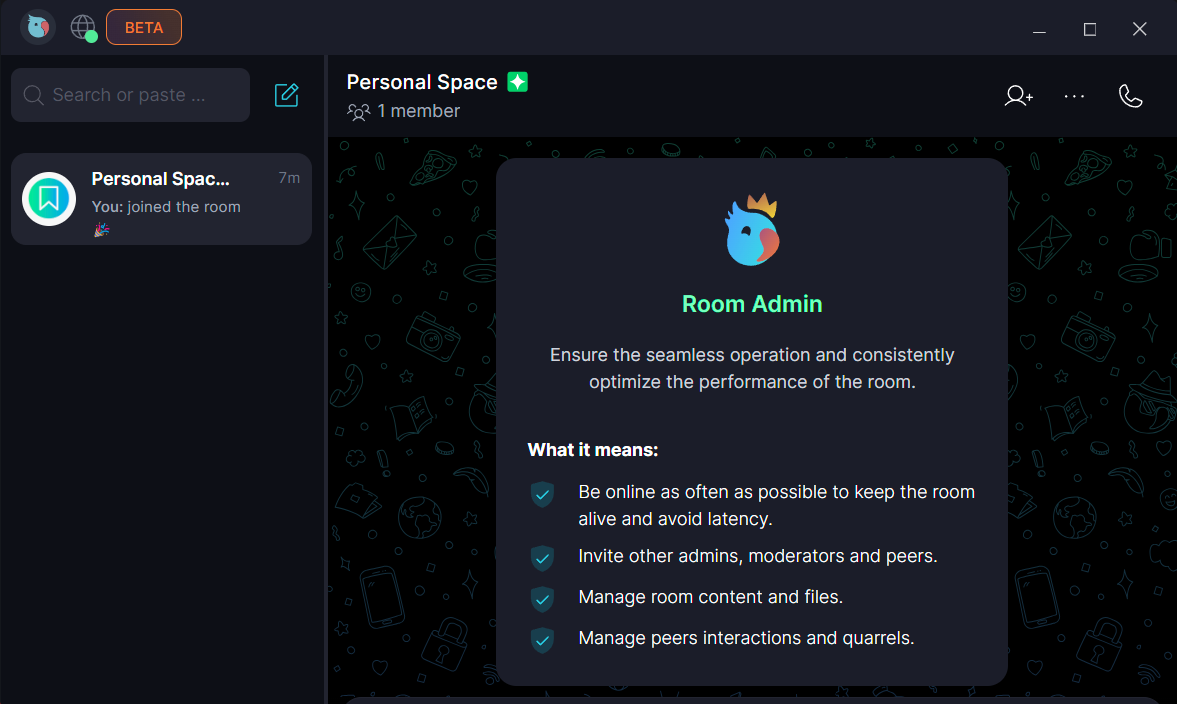
Once the group is created, you become its administrator. Now you can leave notes for yourself and upload files that will sync across your linked devices.
🟢 Since it’s peer-to-peer, both devices need to be online for file transfer.
How can I speed up the file transfer?
Keep the chat open on both devices while transferring files.
Upload speed depends on your internet connection. 📡